Get in touch
Learn how fake login pages and phishing links work, and how to avoid losing your account to online scams.
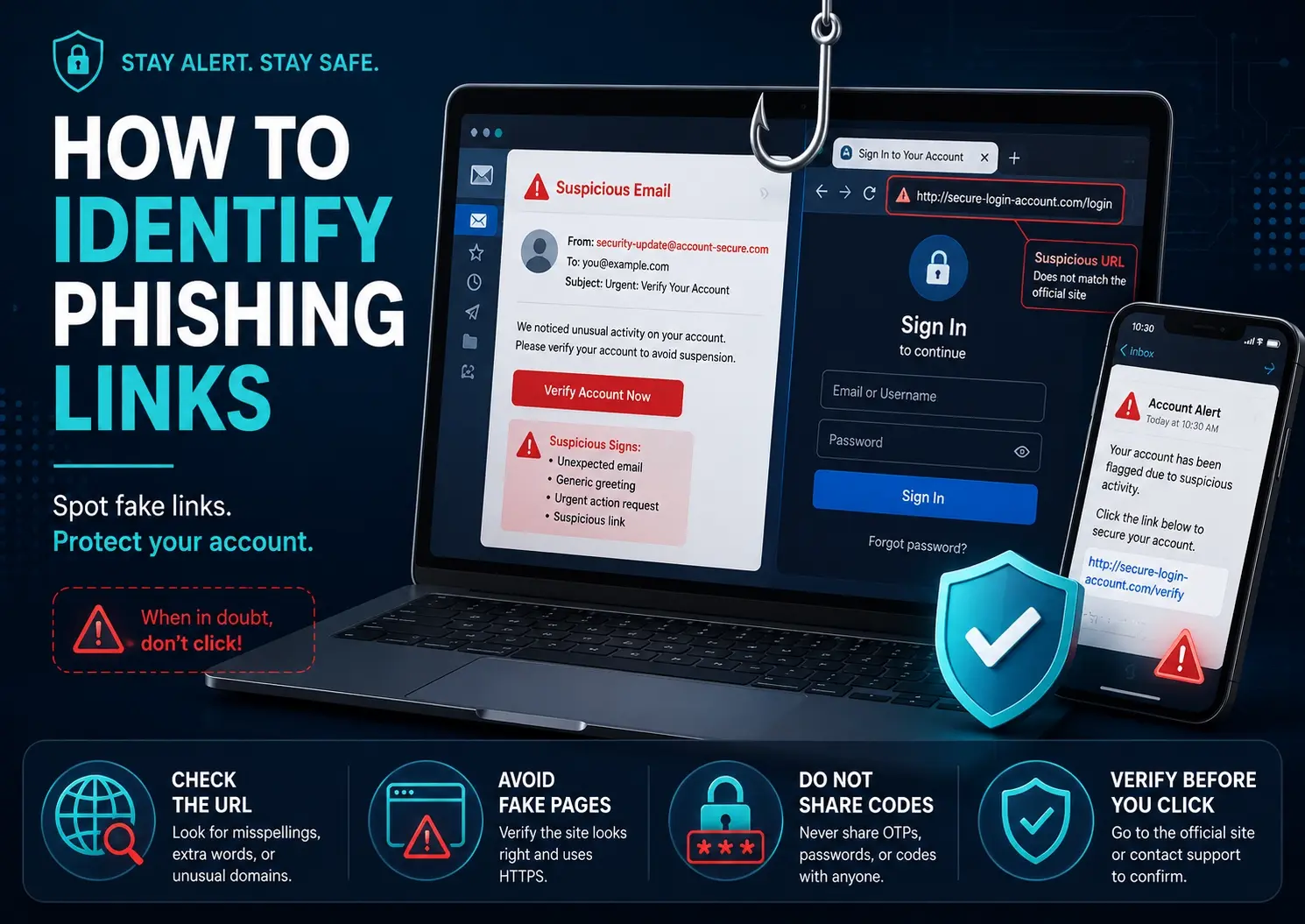
Phishing is one of the most common methods hackers use to steal accounts. A phishing link looks real, but it is created to collect your login details, passwords, or personal information.
Before entering your login details, always check the website address. Fake links often contain spelling mistakes, extra words, or strange domains.
Scammers often create fear by saying your account will be disabled, blocked, or deleted. Do not click links without checking carefully.
Do not share verification codes, recovery codes, or two-factor authentication codes with anyone.
Always log in through official apps or trusted websites instead of random links from messages or emails.
Phishing links can look professional, but careful checking can protect your account. Always think before you click.
Your email address will not be published. Required fields are marked *